Short answer: book early (December fills fast), give the booth four hours that cover cocktails through dancing, put it where guests naturally gather, add a festive template with your logo, and make sure everyone leaves with a print. The rest of this guide covers each step — plus a planning timeline you can follow.
Why a photo booth works at holiday parties
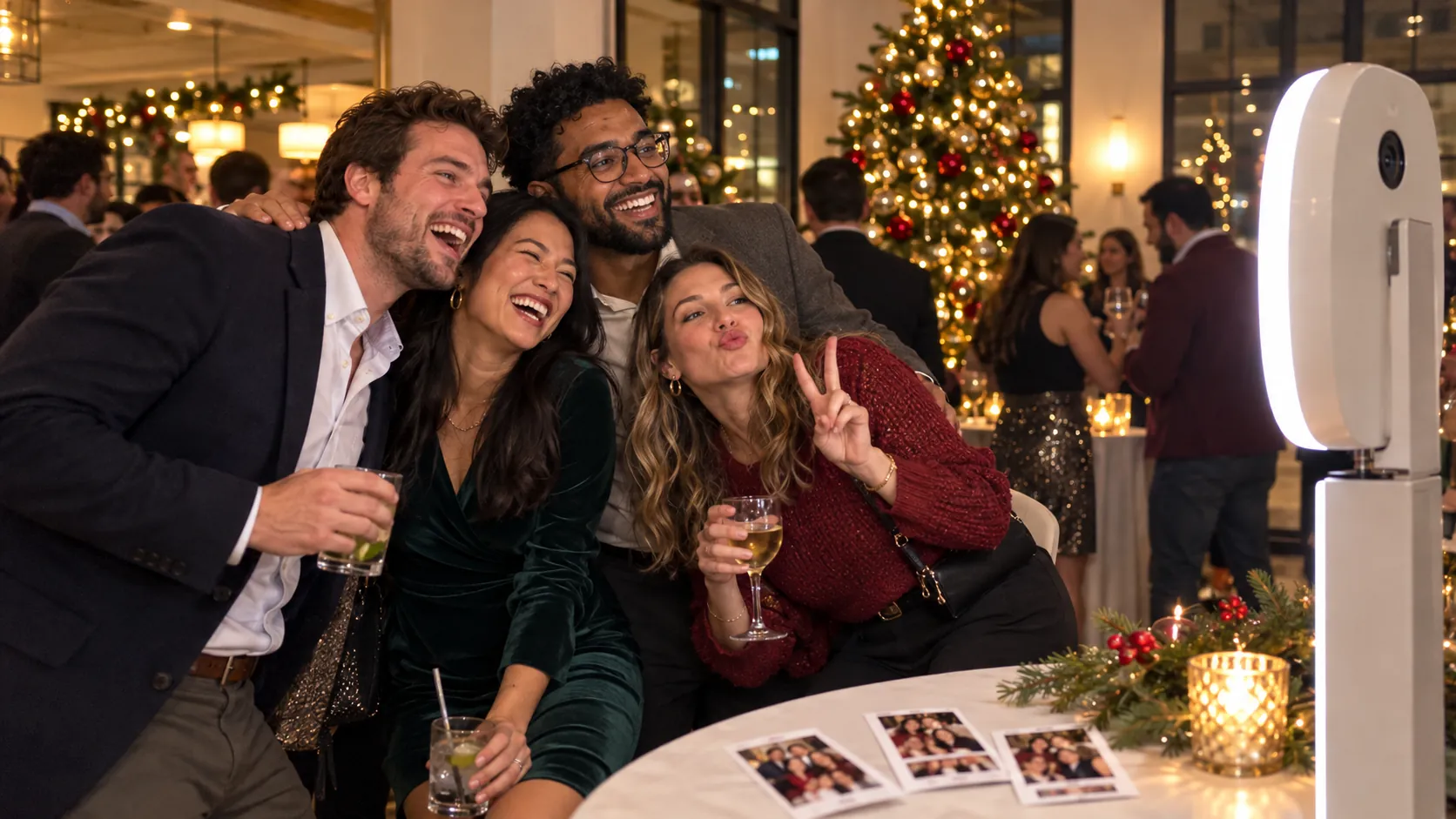
Holiday parties bring together people who don't usually spend time together — different teams, offices, partners and plus-ones. A photo booth gives them an easy, fun reason to mix. It also gives your organizers a full gallery of candid photos for the year-end newsletter, and gives every guest a keepsake from the night.
Booking and planning
1. Book as soon as your date is set
Late November and December are the busiest weeks of the year for holiday parties, and Thursday, Friday and Saturday evenings go first. If your venue and date are confirmed, check photo booth availability right away.
2. Choose the right length of time
- 2 hours suits a shorter after-work gathering.
- 4 hours covers most office holiday parties — cocktails, dinner and dancing. It's what our Signature package includes.
- 6 hours suits a full evening or a larger guest list.
3. Confirm space and power with your venue
Most photo booths need about 8 × 8 feet of clear space and one standard electrical outlet. Wi-Fi helps with instant sharing but isn't essential. Share these details with your venue early so the spot is reserved.
4. Plan around your headcount
Bigger crowds mean longer lines at peak times. For large parties, open the booth early (during cocktails, when lines are shortest) and keep it running through the evening so everyone gets a turn.
Placement and timing on the night
5. Put the booth where people already gather
Near the bar, the dance floor or the path between them is ideal. Avoid hallways, coat check or a back room — if guests can't see the booth, they forget it's there.
6. Open the booth at the right moment
Cocktail hour is the perfect time to start: guests are mingling, dressed up and looking for something to do. Ask your MC to mention the booth once during dinner, too.
7. Keep it running after speeches
The busiest stretch is usually right after dinner and speeches, when the music starts. Make sure your booking covers that window.
Design and branding
8. Add a festive template with your logo
A custom photo template with your company logo, colours, the party name and the date turns every photo into a branded keepsake. It also makes photos instantly recognizable when guests share them.
9. Match backdrops and props to your theme
Classic red and green, winter white and silver, or black-tie gold — choose a backdrop and props that fit the party. Festive props (glasses, signs, hats) are what get even the shyest guests in front of the camera.
10. Decide on prints and digital sharing
Prints are the keepsake people actually keep — they end up on desks and fridges all year. Instant digital sharing by text, email or QR code gets photos into group chats the same night. Essential includes two printed strips per session, Signature and Premium include unlimited prints, and every package includes digital sharing.
Making it count after the party
11. Use the gallery
You receive a digital gallery of every photo after the event. Share the best ones in your internal newsletter, on your company's social channels or on the office screen in January.
12. Make it inclusive
Photo booths work for everyone — teams, partners, family members and guests of all ages. If you're hosting a family holiday party, plan for kids' props and an earlier start.
Holiday party photo booth timeline
| When | What to do |
|---|---|
| As soon as your date is set | Check availability and reserve your booth |
| 4–6 weeks before | Confirm space and power with your venue |
| 3–4 weeks before | Approve your festive photo template and logo |
| 1–2 weeks before | Choose backdrop and props; confirm arrival time |
| On the day | We arrive early and set up in about 60–90 minutes |
| After the party | Share the digital gallery with your team |
Holiday party photo booth packages
| Package | Price (CAD) | Coverage | Best for |
|---|---|---|---|
| The Social | $399 | Up to 8 hours, self-service | Casual office socials and open houses (no attendant or prints) |
| Essential | $549 | 2 hours | Shorter after-work gatherings, with prints |
| Signature | $899 | 4 hours | Most office holiday parties, with unlimited prints |
| Premium | From $1,499 | 6 hours | Full evenings and larger parties |
Every package includes setup and pickup; Essential, Signature and Premium also include a professional on-site attendant. See our holiday party photo booth page or all packages and pricing.
Frequently asked questions
How far in advance should I book a holiday party photo booth?
As soon as your date and venue are confirmed. December evenings, especially Thursdays to Saturdays, book up first.
How long should a photo booth run at an office party?
Four hours covers most office holiday parties, from cocktails through dinner and dancing.
Can the photo booth include our company logo?
Yes. The photo template can include your logo, colours, the event name and a festive design.
How much space does a photo booth need?
About 8 × 8 feet of clear space and one standard electrical outlet.
Can a photo booth be set up in our office?
Yes. We set up in offices, restaurants, event venues and homes across Toronto and the GTA.